01
Live Monitoring
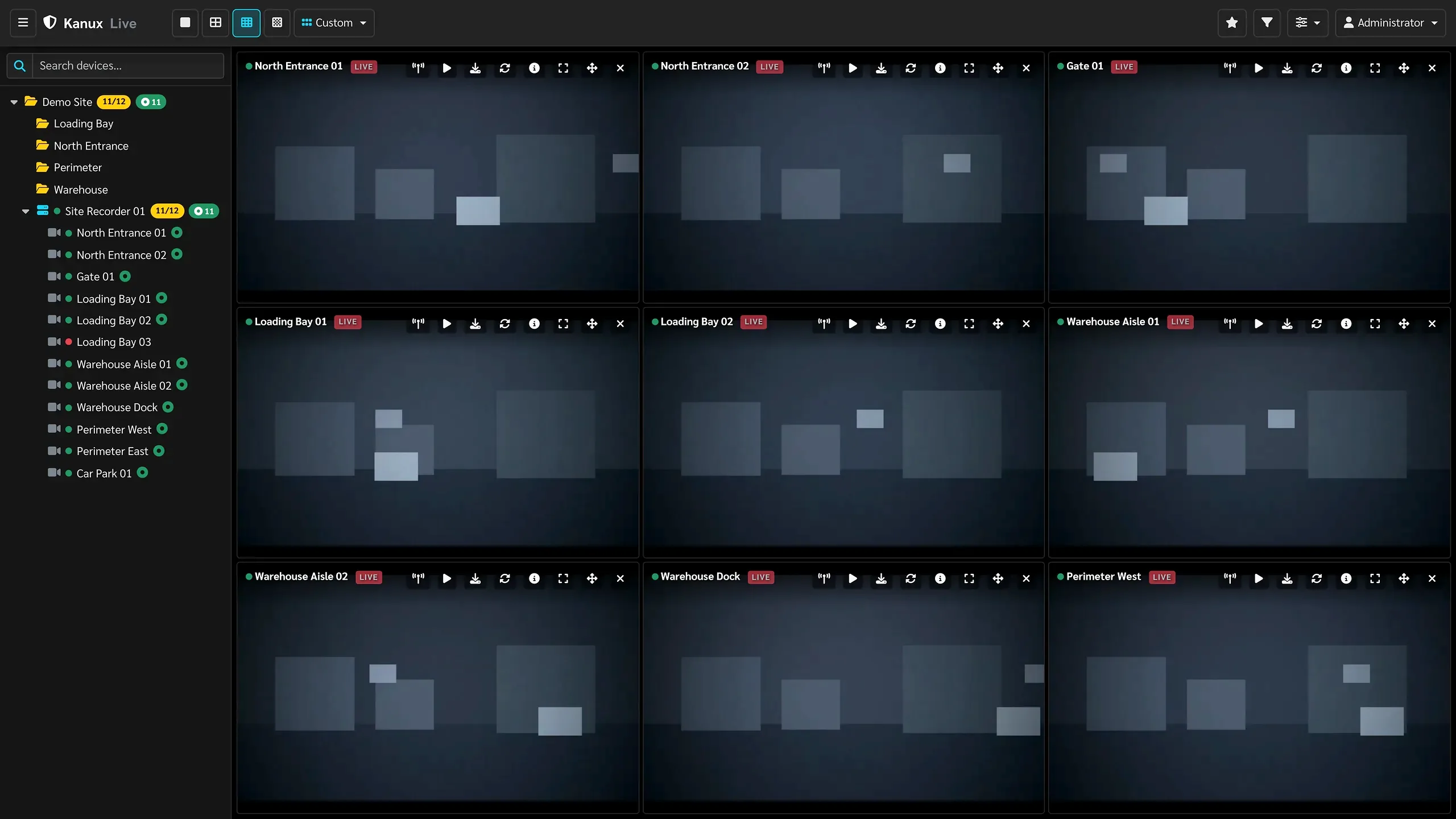
Watch live camera video in flexible browser grids that suit real monitoring work.
Saved operator layouts, camera filters and per-tile recovery keep a monitoring wall organized. Browser live view requires a compatible H.264 stream.
Capabilities
What operators and administrators do every day, from onboarding a camera to investigating a time range.
Capabilities
Core video workflows work out of the box. Anything marked as configuration dependent is switched on during deployment.
Watch live camera video in flexible browser grids that suit real monitoring work.
Saved operator layouts, camera filters and per-tile recovery keep a monitoring wall organized. Browser live view requires a compatible H.264 stream.
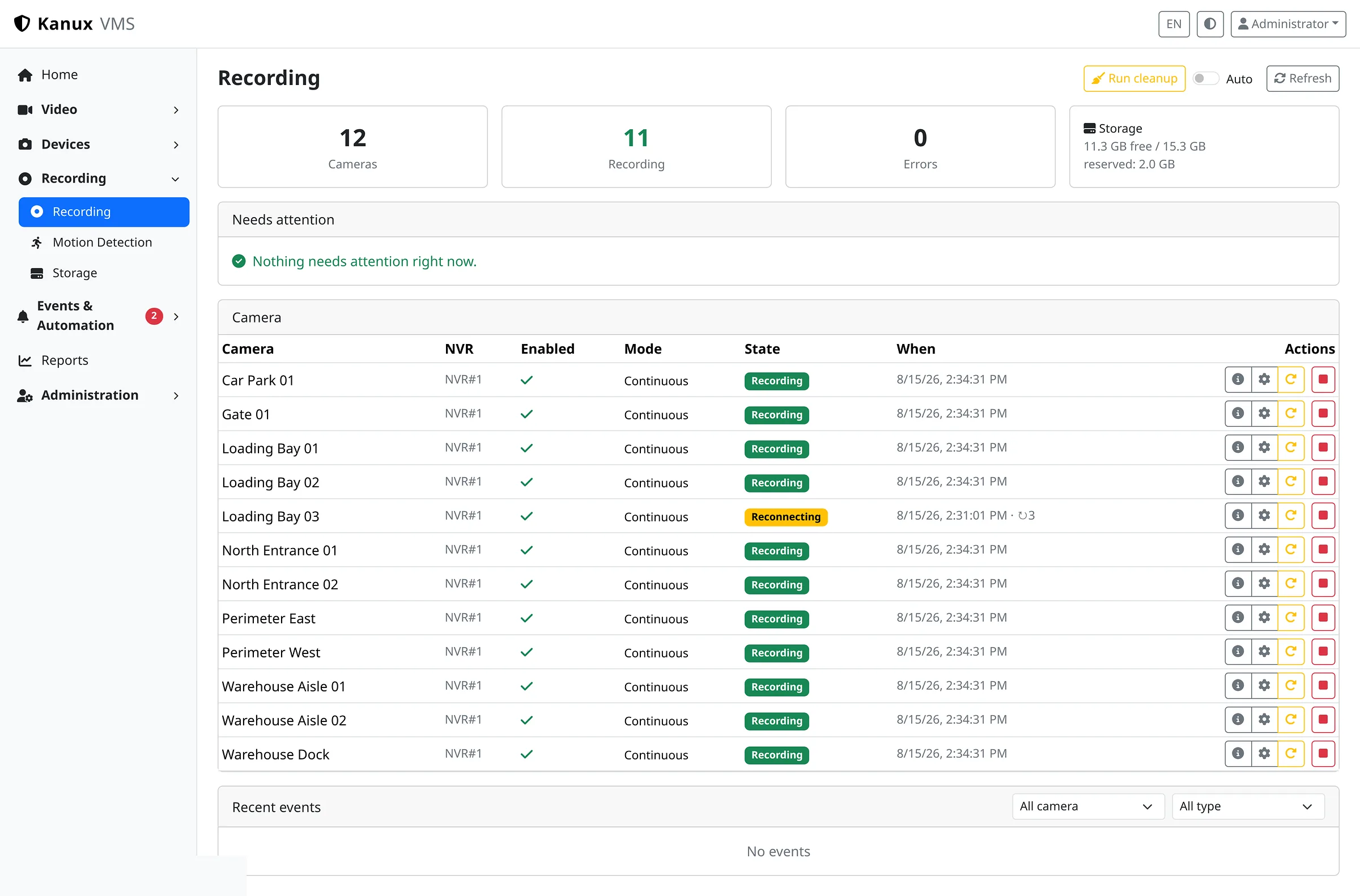
Record assigned cameras continuously on the system that owns them.
Segmented recording includes worker recovery, reconnect handling and explicit coverage-gap tracking, so missing footage is reported instead of assumed.
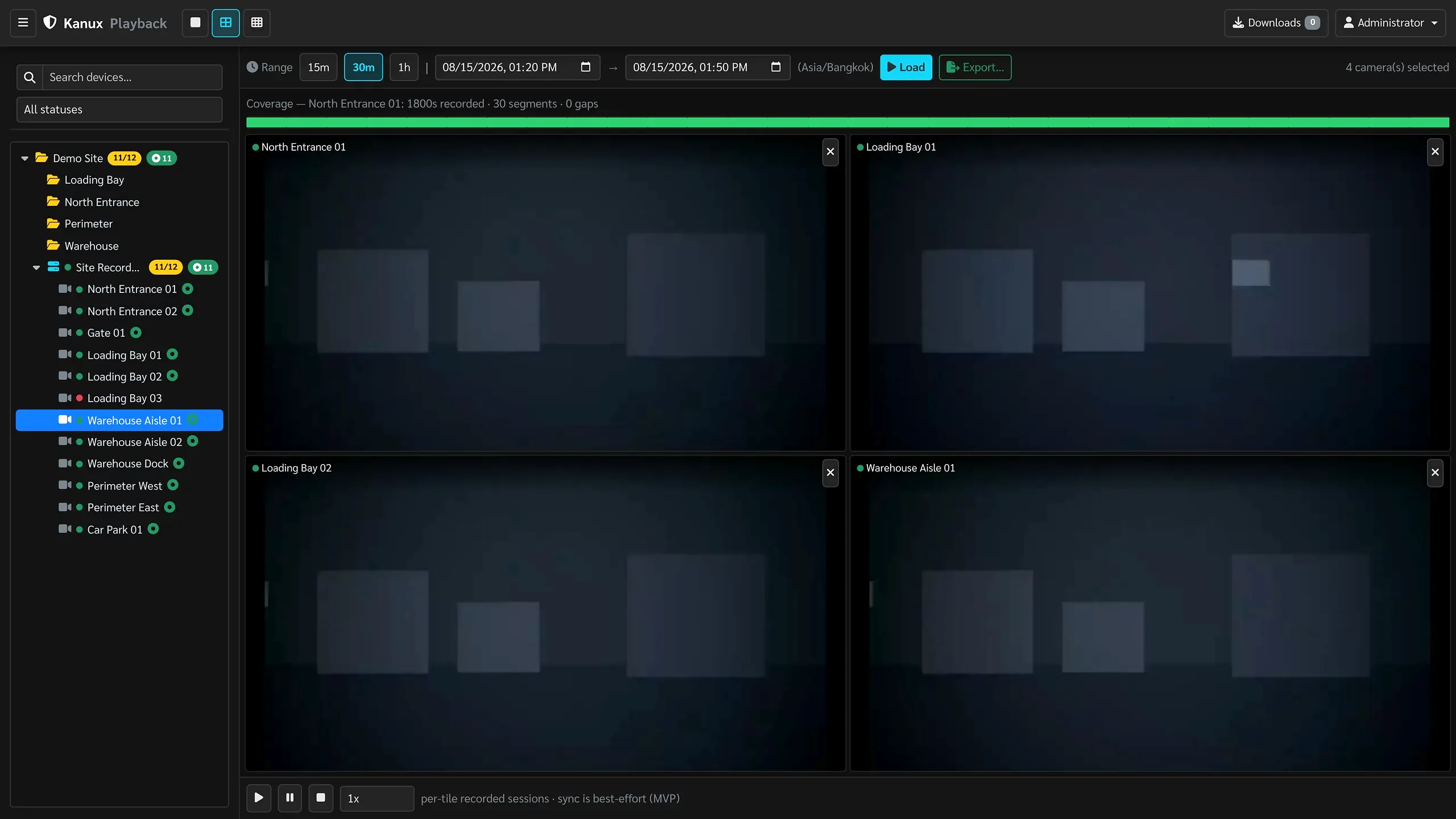
Review recorded video across cameras and time ranges without leaving the browser.
Protected playback sessions are built from indexed Karnux recordings, with a coverage timeline that shows exactly where footage exists.
Produce MP4 clips from recorded footage for investigation and handover.
Export runs as a managed job with visible progress, cancellation and protected download. Clip edges follow recording-segment boundaries.
Organize areas, NVRs and cameras, and add new devices through a guided workflow.
The Add Devices workflow moves from discovery to credential verification, configuration and review before import, so onboarding does not require RTSP or ONVIF expertise.
Place cameras and NVRs on a map and act on them from their real location.
Markers, clustering and status filters connect a location directly to live view, recent playback and export for that device.
Turn recording, storage and system-health signals into incidents operators can act on.
Detection covers recording workers, coverage gaps, camera availability, disk pressure, retention, backups and time sync. Automation rules can route internal triggers into approved actions.
Manage recording volumes and keep retention predictable as footage accumulates.
Volume lifecycle, capacity planning, health checks and reviewed reclaim plans keep storage state visible and under operator control.
See the condition of cameras, recording, nodes, coverage and storage in one place.
Recording systems keep detailed local history for camera availability, coverage, gaps, exports and storage trend. Central management adds fleet summaries with alert and audit reporting.
Control who can see and do what, and keep a record of administrative activity.
Role-based permissions, session control and audit records are built in. Area and camera access scopes follow an explicit staged rollout.
Operator interface
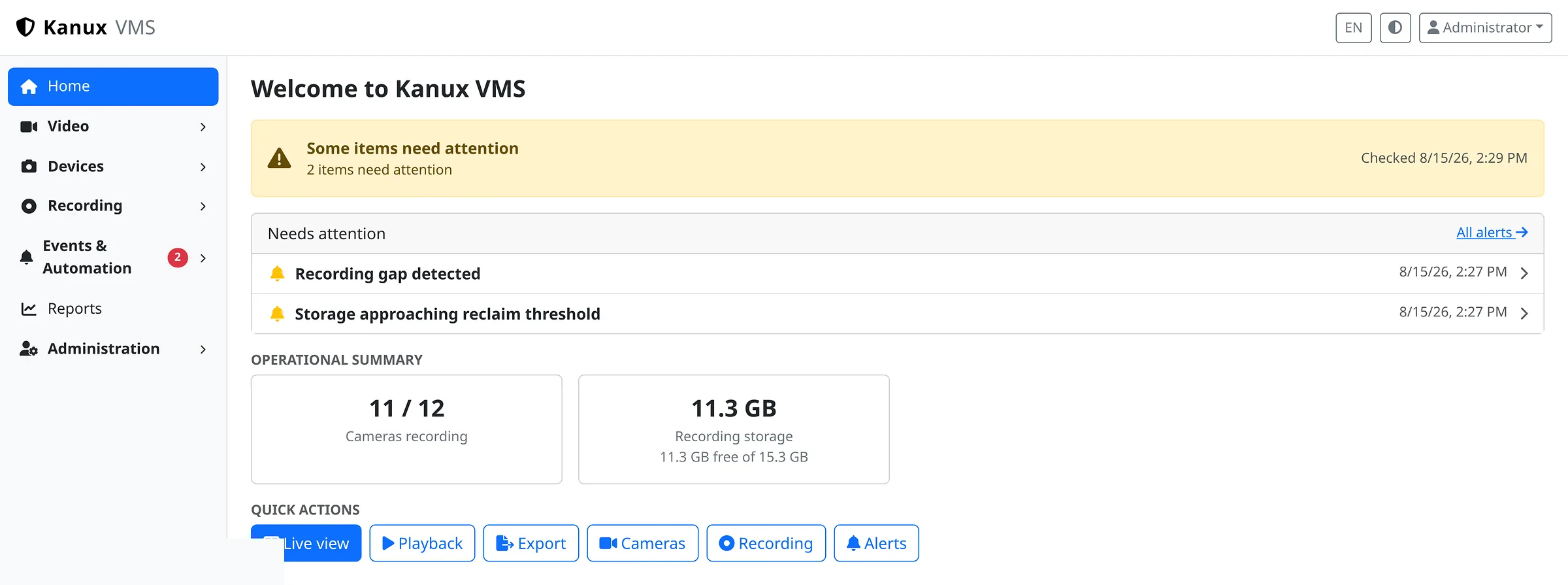
Home answers the questions that matter first. Is everything recording, and what needs attention.
Planning
Tell us what your team monitors and how footage is retained. We can map that to what Karnux does today.